
Why Your Phone Battery Drains Fast and How to Fix It
If your phone battery is draining faster than usual, you’re not alone. We see this problem every day, especially with phones that are a few years old. Sometimes it’s just a setting or app causing the issue, but other times the battery itself may be worn out.
A quick way to check your battery health on your device is:
For iPhone, go to:
Settings → Battery → Battery Health & Charging.
According to Apple Support, if battery capacity is below 80%, replacement is recommended.
For Samsung Phones, go to:
Settings → Battery and Device Care → Battery
You can also use diagnostics from Samsung Support.
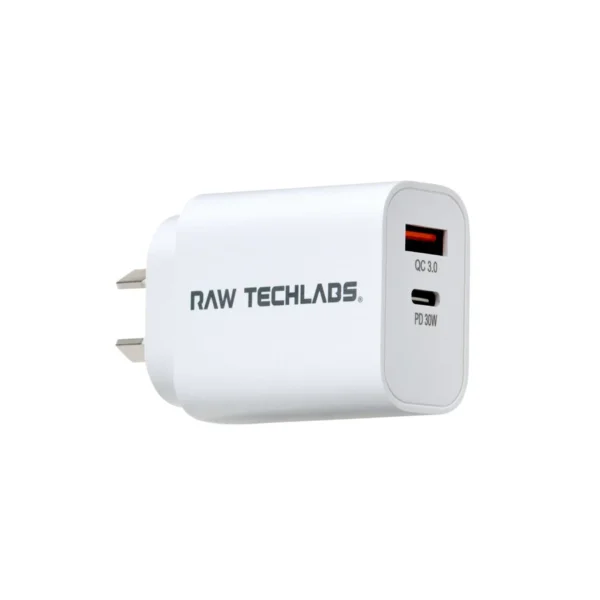
If your phone overheats, shuts down randomly, charges slowly, or loses battery very quickly, it may be time to replace the battery. Using poor-quality chargers and leaving too many apps running in the background can also make the problem worse.
Quick Tips to Improve Battery Life
- Lower screen brightness
- Turn on battery saver mode
- Close unused apps
- Use original chargers from Apple or Samsung
- Keep your phone updated
Before spending money on a new phone, it’s worth getting it checked properly. Bring your device to Fone Express Bexley and our technician with over 24 years of experience can assess the battery and help you find the best solution.